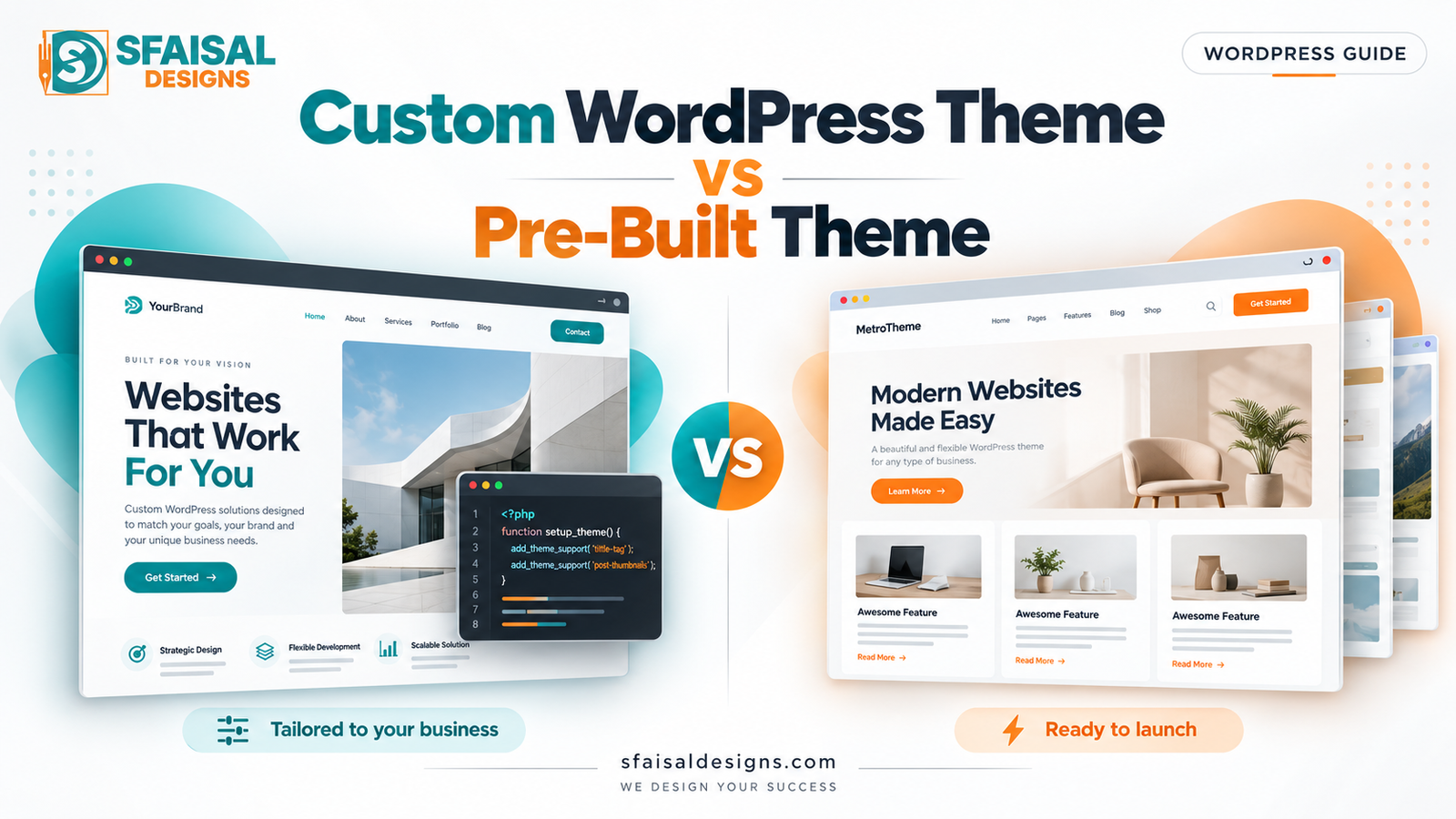
Two website proposals can promise the same things: a professional design, responsive pages, and a website your team can update.
Yet one uses an existing WordPress theme, while the other includes custom development. The prices differ, the timelines differ, and it is not immediately clear what your business gains from either approach.
The custom WordPress theme vs pre-built theme decision starts with what the website needs to do. A straightforward service website and a business platform with unusual content structures may need very different solutions.
A well-chosen pre-built theme can be a sensible investment. Custom development can provide valuable control when your requirements justify it. Both approaches need clear scope, careful implementation, and ongoing support.
This guide explains the differences, the tradeoffs, and the questions to ask before committing to a website project.
Table of Contents
- What is a WordPress theme, and how is it different from a template?
- What does custom WordPress development mean?
- Custom WordPress theme vs pre-built theme: comparison
- Design and editing control
- Performance, SEO, and security
- Cost, maintenance, and ownership
- When each approach makes sense
- Questions to ask your developer
- Switching from a template to custom development
- Frequently asked questions
What Is a WordPress Theme, and How Is It Different From a Template?
A WordPress theme controls much of the website’s presentation: layouts, styling, and how content appears on different types of pages.
A template is a layout used for a particular page or content type. A theme can contain several templates, such as those for posts, archives, and individual pages. In everyday sales language, “template website” may also describe a site built from an imported demo or page-builder template kit.
The official WordPress theme overview explains the theme’s role and distinguishes block and classic themes. These technical categories are separate from the buying decision: either type can be pre-built or developed for a specific project.
What is a pre-built WordPress theme?
A pre-built theme is an existing product designed for multiple websites. It may provide ready-made layouts, style settings, and starter content.
The developer selects a suitable foundation, adapts it to your brand, creates the required pages, and configures functionality. The amount of work varies considerably. Importing a demo and replacing text is a smaller project than adapting a theme around researched content, custom layouts, and integrations.
Evaluate the proposed work rather than assuming every theme-based website is the same.
What Does Custom WordPress Development Mean?
Custom WordPress development is a broad term for building features or presentation around specific requirements. It does not always mean coding an entire theme from scratch.
Three approaches commonly appear in proposals:
1. Custom design on an existing foundation
A designer creates original layouts, then a developer implements them using a suitable theme, blocks, or a page builder. The visual design may be genuinely bespoke even though the project uses established tools.
2. Custom theme development
The developer creates theme templates and styles for the project’s design and content. A custom theme can use WordPress block features, classic templates, or proven starter code where appropriate.
3. Custom functionality
The project includes business-specific features: a quoting workflow, an integration, structured project records, or unusual product rules. These may work alongside either a custom or pre-built theme.
WordPress recommends registering custom post types in a plugin rather than a theme so the content remains available when the theme changes. See its custom post type guidance. This illustrates why visual presentation and lasting business functionality should be planned separately.
Ask your developer which of these forms of customization the proposal includes. If you need bespoke templates and theme architecture, explore custom WordPress theme development.
Custom WordPress Theme vs Pre-Built Theme: Quick Comparison
| Decision factor | Pre-built theme | Custom theme |
|---|---|---|
| Starting point | Existing layouts and styling framework | Project-specific templates and styles |
| Initial effort | Often lower when requirements fit | More design, development, and testing work |
| Launch schedule | Can be shorter for standard scope | Depends on scope and review cycles |
| Design control | Depends on the theme’s settings and extension points | Greater control over project-specific presentation |
| Content editing | Existing theme or builder workflow | Can be tailored to the team’s needs |
| Performance | Depends on the theme and whole-site implementation | Can be lean; still needs measurement |
| SEO | Can support sound SEO implementation | Can support sound SEO implementation |
| Updates | Relies partly on the theme vendor | Requires an explicit maintenance arrangement |
| Portability | Depends on theme and builder dependencies | Depends on architecture and documentation |
| Best fit | Requirements align with a maintained existing product | Specific needs justify bespoke presentation |
Treat this as a starting point. Compare the actual proposed implementations before choosing.
Design and Editing Control
A pre-built theme can still look professional
A theme-based site does not have to resemble its demo. Thoughtful typography, brand colors, original photography, useful content, and well-planned layouts can create a strong business website.
Problems appear when the required design fights the theme’s structure. The developer may need repeated overrides or extra tools to create something the original framework was not designed to support.
Before choosing a theme, test the hardest layout and interaction. If the project needs complex content relationships, a polished homepage demo tells you little about whether the theme can support them.
Custom design should solve specific problems
Custom work is valuable when the existing options cannot present your content or customer journey effectively.
A hypothetical construction company might need consistent project pages with location, service type, scope, galleries, and related projects. A tailored content structure can make publishing easier and help customers compare relevant work.
That does not automatically require a completely custom theme. The team should evaluate whether a maintained foundation plus selected custom components would meet the requirements.
For businesses whose main need is original layouts and clearer messaging, custom website design may be the appropriate conversation to start.
Test the editor experience
Ask for a demonstration of common tasks: adding a service, changing an image, publishing a project, and updating a call to action.
A custom theme can offer structured fields and reusable blocks. A pre-built theme can provide familiar visual controls. Neither editing system is useful if the team cannot confidently complete its routine work.
Choose enough flexibility for the editors without requiring them to rebuild layouts every time they publish.
Performance, SEO, and Security: What Actually Changes?
Is a custom WordPress theme faster?
It can be. Project-specific templates give developers an opportunity to load only the assets and components the design needs.
But custom code can also be inefficient. A lean pre-built theme can perform well, while a custom site can become slow through large images, heavy integrations, or poorly designed queries.
Request performance testing on representative pages, using the content and integrations you intend to launch. Include mobile navigation, forms, and product interactions where relevant.
Google’s Web Vitals documentation provides measures of loading, responsiveness, and visual stability. Use those measures alongside practical task testing; do not compare two websites only through empty demo pages or a single laboratory score.
Is custom development better for SEO?
Custom development can help implement technical requirements when an existing theme gets in the way. It gives the team control over markup, templates, and the presentation of structured content.
A pre-built theme can also support crawlable content, logical headings, internal links, and a good mobile experience. Neither approach guarantees rankings.
Your content quality, relevance, site architecture, technical accessibility, and wider search competition still matter. A custom theme cannot compensate for service pages that do not explain your offer.
For the wider planning process, read our WordPress website development guide.
Is a custom theme more secure?
The label alone does not establish security. Review code quality, dependencies, access controls, update practices, backups, and the hosting environment.
A maintained third-party theme benefits from vendor updates. A custom theme needs a team responsible for compatibility and fixes. Both require a plan for the rest of WordPress and its plugins.
Ask what will happen when an update causes a conflict, how the team tests changes, and how the website can be restored. These questions reveal more than a claim that a theme is “secure by design.”
Cost, Maintenance, and Ownership
Compare the complete project cost
A theme license is only one part of a website budget. Discovery, content preparation, design adaptation, integrations, accessibility work, testing, and launch support also take time.
Custom theme development often requires more upfront effort because the team must create and test the required templates. However, extensive modifications to a poorly matched pre-built theme can also become expensive.
Get itemized proposals for the same requirements. Otherwise, you may be comparing a basic theme setup with a complete design and development engagement.
Budget for the next changes
Consider a practical ownership model:
Total cost = initial project + licenses and hosting + maintenance + future changes + any migration work.
This is a planning framework, not a price estimate. Ask how frequently the business expects to add pages, introduce services, change integrations, or publish campaigns.
Custom code may reduce some vendor dependencies, but it can introduce dependence on the original developer. Transferable documentation and standard practices are important either way.
Plan updates before launch
Do not directly edit a parent theme and assume those changes will survive an update. WordPress documents child themes as a way to extend a parent theme while preserving modifications separately. A child theme still requires compatibility testing when the parent changes.
For custom themes, establish who owns updates and how issues will be handled. Include theme, plugin, and core compatibility in the support scope rather than leaving it implied.
Professional WordPress maintenance is relevant for both approaches.
Clarify access and handover
Before signing, confirm administrator access, hosting and domain control, source-code delivery where applicable, documentation, and license responsibilities.
Ownership rights should be explicit in the agreement. Do not assume that “custom” automatically means every asset and third-party license transfers without conditions.
When Should You Choose a Pre-Built Theme?
A pre-built theme may be a good fit when the website’s requirements align with its supported layouts and features, the launch budget is controlled, and there is a dependable update path.
A hypothetical consultant who needs service pages, an about page, articles, and a standard enquiry form may be well served by a carefully implemented existing foundation.
The decision should still include brand design, useful content, mobile testing, and reliable forms. “Pre-built” describes the starting point; it should not be an excuse to skip planning.
When Is a Custom WordPress Theme Worth It?
Consider a custom theme when presentation and editorial requirements are important enough to justify bespoke templates.
Signals include:
- A distinctive design that existing options cannot support cleanly.
- Several content types requiring consistent, specific layouts.
- An editor workflow that needs clear controls and publishing safeguards.
- Measurable performance requirements that the current foundation obstructs.
- A marketing team that needs an intentional library of reusable components.
Complex functionality deserves its own assessment. A CRM integration or unusual checkout rule may call for a custom plugin while the existing theme remains suitable.
Define what needs to be custom, then commission that work. This avoids paying for a complete rebuild when a smaller extension would solve the problem.
The Middle Option: A Maintained Foundation With Selected Custom Work
Many projects benefit from combining established tools with bespoke design or functionality.
For example, a business might use a lightweight theme, custom page layouts, structured content, and a small plugin for a particular workflow. Elementor, Bricks, or WordPress blocks may be appropriate depending on the editing needs and implementation requirements.
Ask the developer to explain the dependencies and the tradeoffs. A builder-based custom design should be described accurately; it is different from a fully custom-coded theme.
The goal is a maintainable website that meets the brief, with an appropriate level of complexity.
Questions to Ask Before Accepting a Proposal
Use these questions to make competing quotes easier to compare:
- Is the project using an imported layout, original design, a child theme, or a custom-coded theme?
- Which features will live in plugins, and which will live in the theme?
- Can our team complete routine editing tasks without developer help?
- Which theme, builder, and plugin licenses must remain active?
- What mobile, accessibility, and performance checks are included?
- What happens when a future update creates a compatibility issue?
- What code, documentation, credentials, and training will we receive?
- How are existing URLs and valuable content protected during launch?
- What does the support agreement cover, and what counts as new work?
Request concrete deliverables in the proposal. “SEO-friendly,” “custom,” and “optimized” need definitions your team can verify.
Can You Switch From a Template to Custom Development Later?
Yes, but the work depends on how the original website stores content and implements functionality.
Before rebuilding, audit pages, media, custom fields, forms, integrations, and any builder-specific content. Determine what can transfer cleanly and what requires reconstruction.
Keep useful URLs where practical. If URLs change, create an accurate mapping to relevant replacements, implement appropriate redirects, and update internal links. Google’s site-move guidance explains the migration process.
Test the rebuild on staging before launch. Check editing, forms, analytics, indexability, content, and key customer journeys. Record a baseline so you can assess the new website after release.
A staged improvement plan may be more appropriate than replacing everything at once, especially if the existing site already serves customers well.
Frequently Asked Questions
What is the main difference between a custom WordPress theme and a pre-built theme?
A custom theme provides templates and styles developed for a particular project. A pre-built theme provides an existing foundation that can be configured or extended. The appropriate choice depends on the design, content, editing needs, and support plan.
Can a pre-built theme have a unique design?
Yes. Original layouts, typography, imagery, and content can create a distinctive website on an existing foundation. Confirm how much design freedom the selected theme provides and whether the proposal includes genuine design work.
Does custom WordPress development mean everything is coded from scratch?
No. Developers can reuse WordPress features, proven libraries, and suitable plugins. A proposal should specify which parts are bespoke and what third-party dependencies remain.
Can I update a custom theme myself?
You can update content if the developer provides suitable blocks, fields, or editing controls. Changes to template code may require technical help. Ask for an editing demonstration before approving the build.
Is custom development better for WooCommerce?
It depends on the store’s requirements. Standard commerce needs may fit existing themes and extensions. Distinctive product presentation or business rules may justify custom templates or plugin development. Test the required purchasing journey before choosing.
How much does a custom WordPress theme cost?
There is no universal price. Design scope, template count, content structures, integrations, testing, and support affect the estimate. Compare itemized quotes for the same requirements and include recurring costs.
Will a custom theme improve my Google rankings?
A custom theme can help remove technical limitations, but it does not guarantee higher rankings. The completed site’s content, accessibility to search engines, usability, and overall search strategy still need attention.
Do pre-built and custom themes both need maintenance?
Yes. Both need compatibility checks and ongoing attention as WordPress, plugins, content, and integrations change. Establish who handles updates, testing, backups, and issue resolution.
Choose the Approach That Fits Your Business
The custom WordPress theme vs pre-built theme decision becomes easier when you define the actual requirements: customer tasks, design expectations, editing workflow, functionality, budget, and ongoing support.
Choose a maintained pre-built foundation when it fits those requirements cleanly. Consider custom theme development when project-specific presentation and content needs justify it. Use selected custom components when they solve the problem without unnecessary rebuilding.
If you are weighing proposals or planning a WordPress website, contact SFAISAL DESIGNS to discuss the scope and the development approach that suits your business.